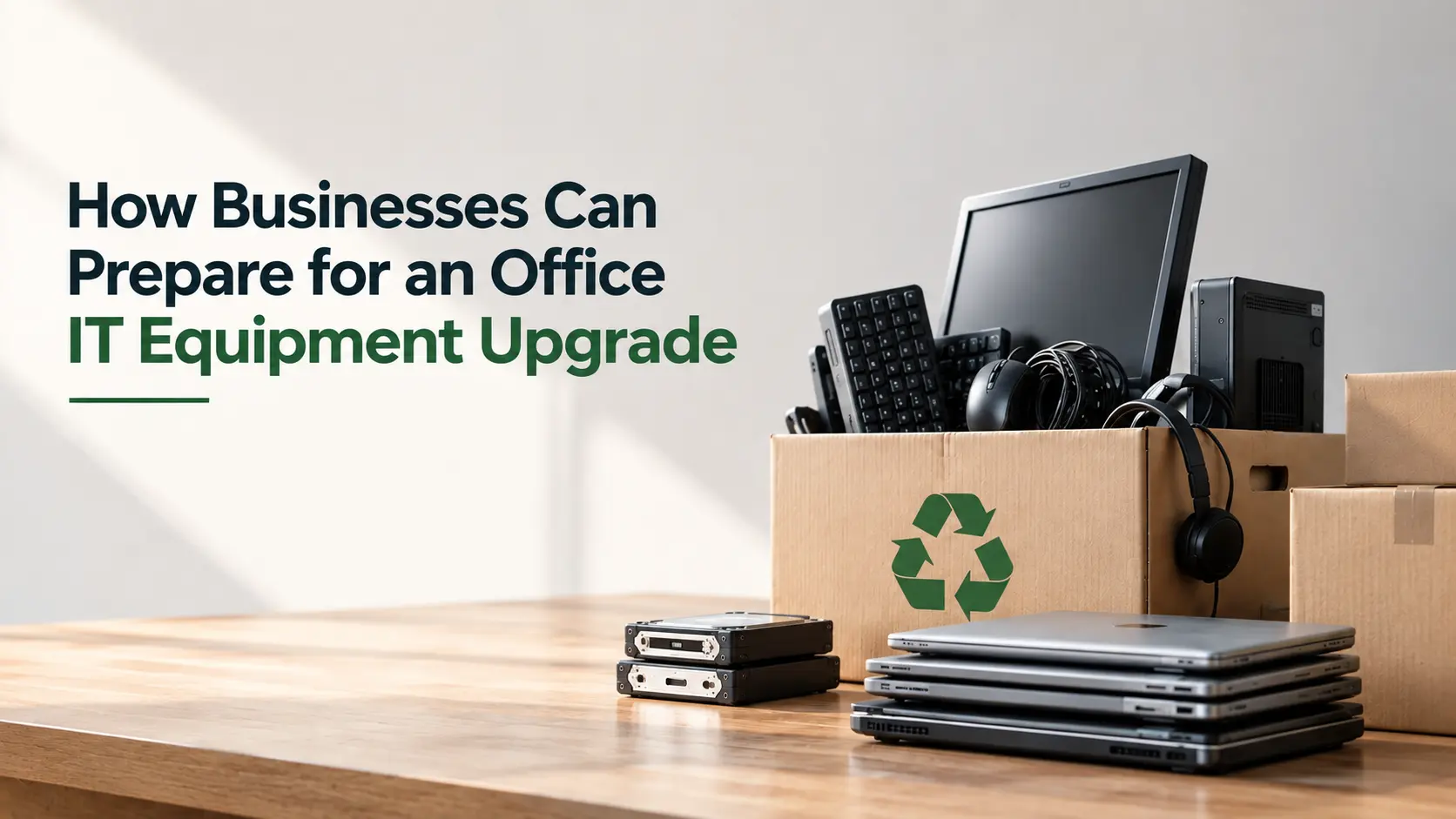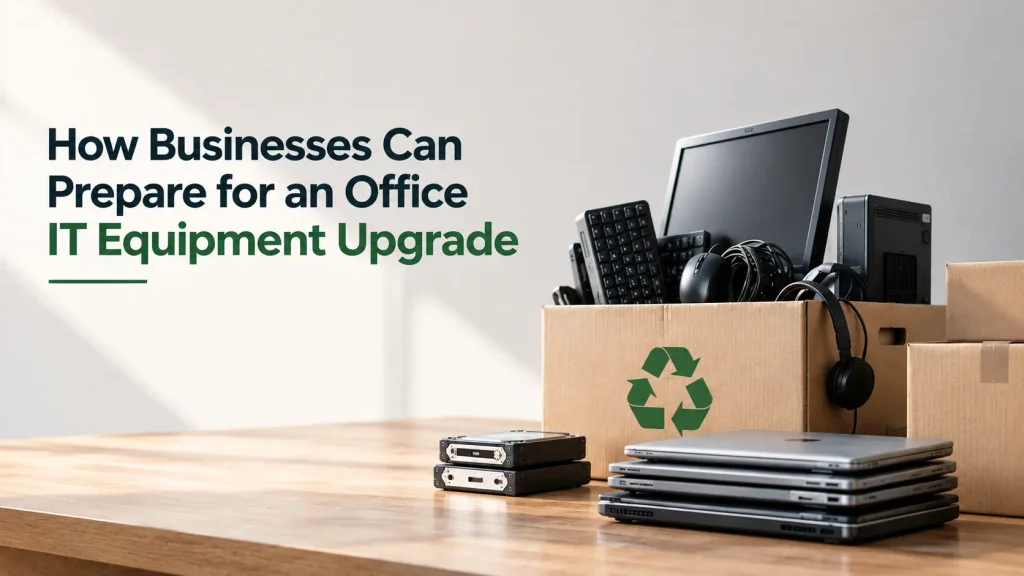
Start Your IT Upgrade Before New Equipment Arrives
An office IT equipment upgrade is often viewed as a technology project to purchase new laptops, desktops, servers, or networking devices. But a successful upgrade requires planning on both sides of the process, bringing in new technology and responsibly managing the equipment going out.
Failure to properly prepare an IT equipment replacement project can result in avoidable downtime, lost asset records, data security issues and a growing pile of old devices waiting for disposal.
A well-planned strategy helps businesses to complete their business technology upgrade smoothly while keeping control over retired IT assets.
Start With a Clear Picture of Your Existing Equipment
Before buying replacement equipment, make a list of devices that are in use. This helps businesses figure out what needs to be replaced and what can still be useful.
Review details such as:
- Device type and model
- Asset or serial number
- Current user or department
- Device condition
- Age and performance
- Data storage requirements
This step is especially useful during a large corporate laptop upgrade, where hundreds or thousands of devices may need to be replaced in phases.
Plan the Upgrade in Phases
Replacing every device at once may not always be practical. A phased approach can help IT teams reduce disruption and manage the transition more effectively.
For example, businesses can prioritize:
- Devices with poor performance or frequent failures
- Employees working with demanding software
- Outdated systems creating security concerns
- Departments with immediate technology requirements
A structured rollout gives teams more time to transfer data, configure new devices, and prepare old equipment for retirement.
Decide What Will Happen to Retired IT Assets
One of the most overlooked parts of an office IT equipment upgrade is planning for the equipment being replaced.
Some older devices don’t need to be recycled right away. Businesses can identify whether equipment is fit for reuse, refurbishment, redeployment or ultimate recycling.
An adequate plan should be in place for the disposal of old IT equipment that has run out of its useful life before upgrading.
This prevents retired laptops and other devices from remaining unsecured in storage rooms for months.
Make Data Security a Priority
Old equipment can have sensitive business information. Organizations need to handle sensitive data properly before devices go into the IT asset disposal process.
Businesses may need secure data wiping, sanitization, degaussing or physical destruction of storage media depending on internal policies and security requirements.
It is equally important to maintain appropriate documentation confirming how data was handled.
Planning this stage early prevents data security from becoming a last-minute concern during the upgrade.
Coordinate Disposal Alongside Procurement
Procurement teams often focus on purchasing and deploying new equipment, while IT teams manage the technical transition. Adding corporate e-waste management to the same project plan creates a more complete lifecycle strategy.
Businesses should coordinate:
- New equipment delivery schedules
- Data migration timelines
- Device collection dates
- Secure transportation
- Data destruction requirements
- Recycling and compliance documentation
This integrated approach makes the entire technology transition easier to manage.
Choose a Partner That Can Support the Complete Process
For organizations operating across multiple locations, managing retired equipment can become complex. Working with an experienced recycling partner can help standardize collection, secure handling, recycling, and documentation.
Ambito E-Care provides Pan-India Services and supports businesses with secure collection, documented handling, data destruction, and responsible recycling. As an MPCB-Approved E-Waste Recycler, Ambito E-Care handles a wide range of electronic equipment, including laptops, desktops, servers, mobile devices, networking equipment, and accessories.
Frequently Asked Questions
Q1. What should companies do before upgrading their office IT equipment?
Ans: First, companies should inventory existing devices, assess their condition and performance, plan for data migration, and decide what to do with old equipment – reuse it, refurbish it, redeploy it, or recycle it. They should also make arrangements for secure data handling and disposal of e-waste before the upgrade starts.
Q2. How should old IT equipment be disposed of during an office upgrade?
Ans: Old IT equipment should be assessed for reuse or redeployment wherever possible. Devices that have reached the end of their useful life should undergo secure data removal and be collected by an authorized e-waste recycling partner for responsible processing and recycling.
Q3. How can businesses protect data on old IT equipment?
Ans: Businesses can use secure data wiping, sanitization or physical destruction of storage media, depending on their security requirements.
Q4. Why is corporate e-waste management important during an IT upgrade?
Ans: It helps businesses manage retired devices securely, reduce data risks, maintain proper documentation and ensure responsible e-waste recycling.
Conclusion
A successful office IT equipment upgrade is not only about choosing better technology. It is also about managing the transition responsibly from the first inventory review to the final retirement of old assets.
With Complete EPR Management & Compliant Recycling, Ambito E-Care helps businesses integrate responsible IT asset disposal into their technology upgrade plans. Committed to Compliance, Sustainability, and Responsible Recycling, Ambito E-Care supports organizations in making every business technology upgrade more secure, organized, and environmentally responsible.